



AV technology websites & apps AVITONA

We design, supply and install video conferencing and presentation technology for meeting rooms, training rooms and smaller halls. We also build websites and smaller web apps. After handover, we take care of support and further changes.

150+
completed projects
20+
years of experience
99 %
turnkey projects

Our clients include

  • ORLEN Unipetrol
  • Nestlé
  • GasNet
  • CZU – Czech University of Life Sciences Prague
  • MPSV – Ministry of Labour and Social Affairs
  • MF – Ministry of Finance of the Czech Republic
  • General Directorate of Customs – Customs Administration of the Czech Republic
  • Metrostav
  • People in Need (Člověk v tísni)
  • ten.prostor

Anatomy of a modern
meeting room

A well-designed room is several parts working together. Click the points to see what each of them does.

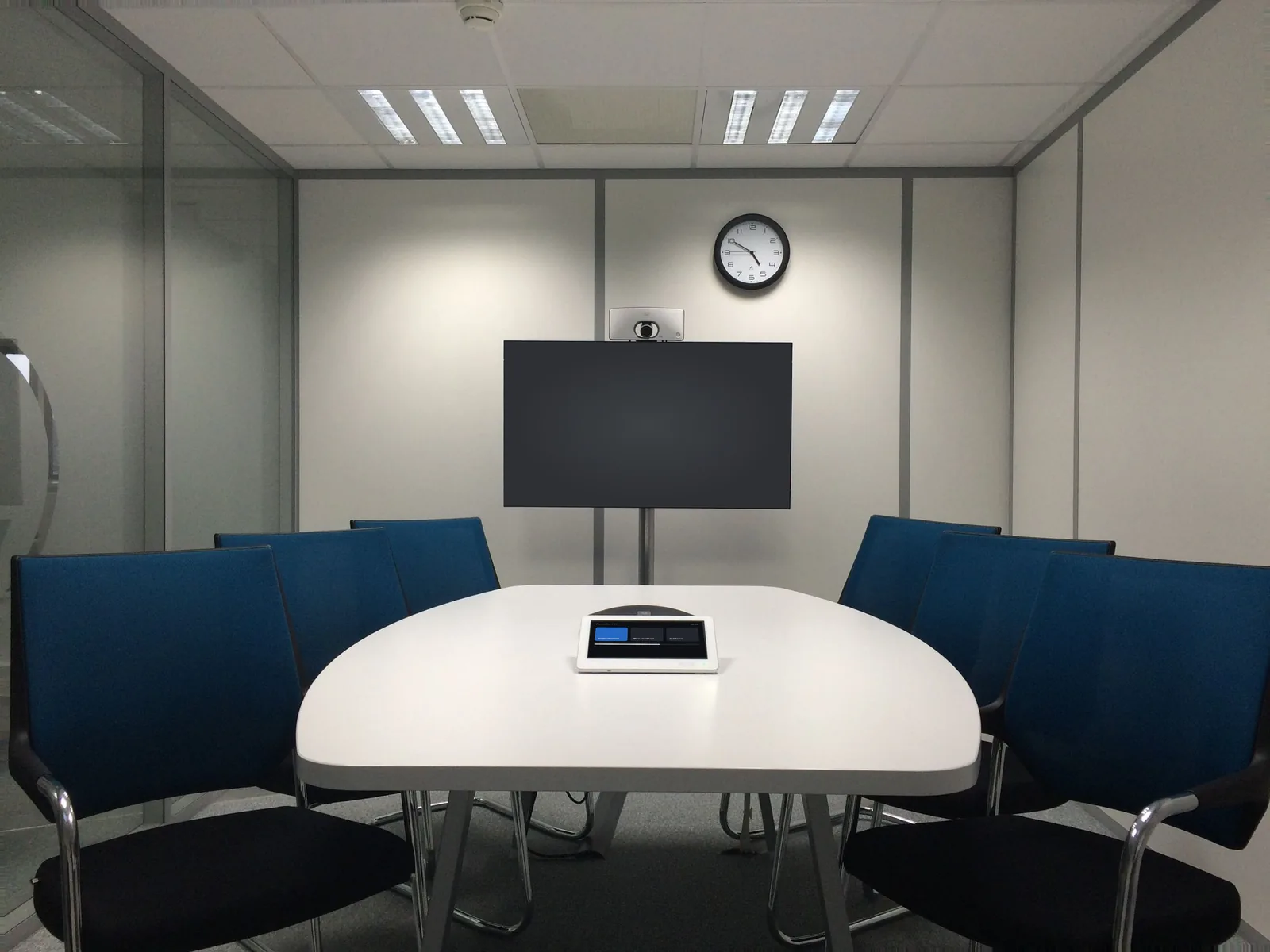
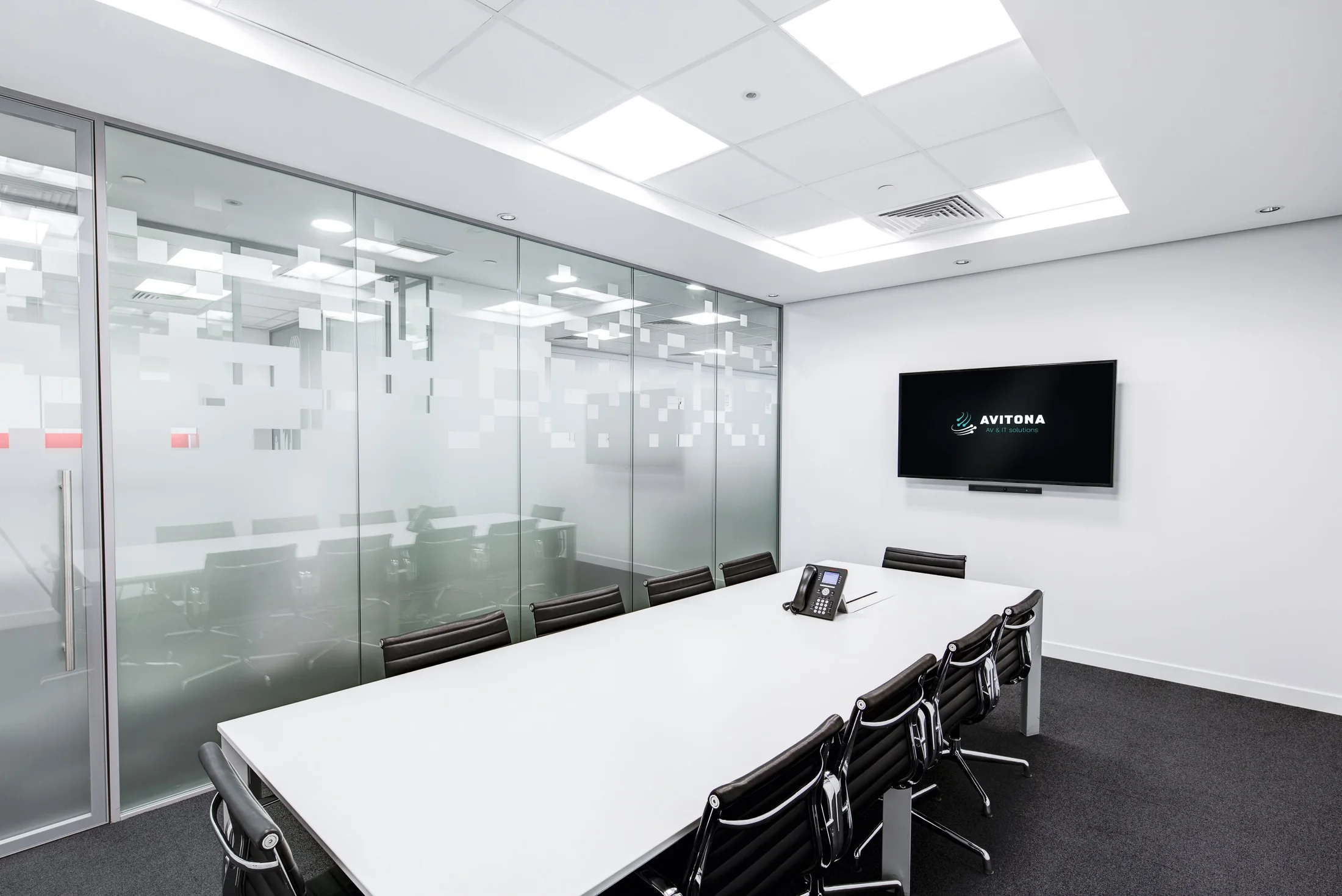
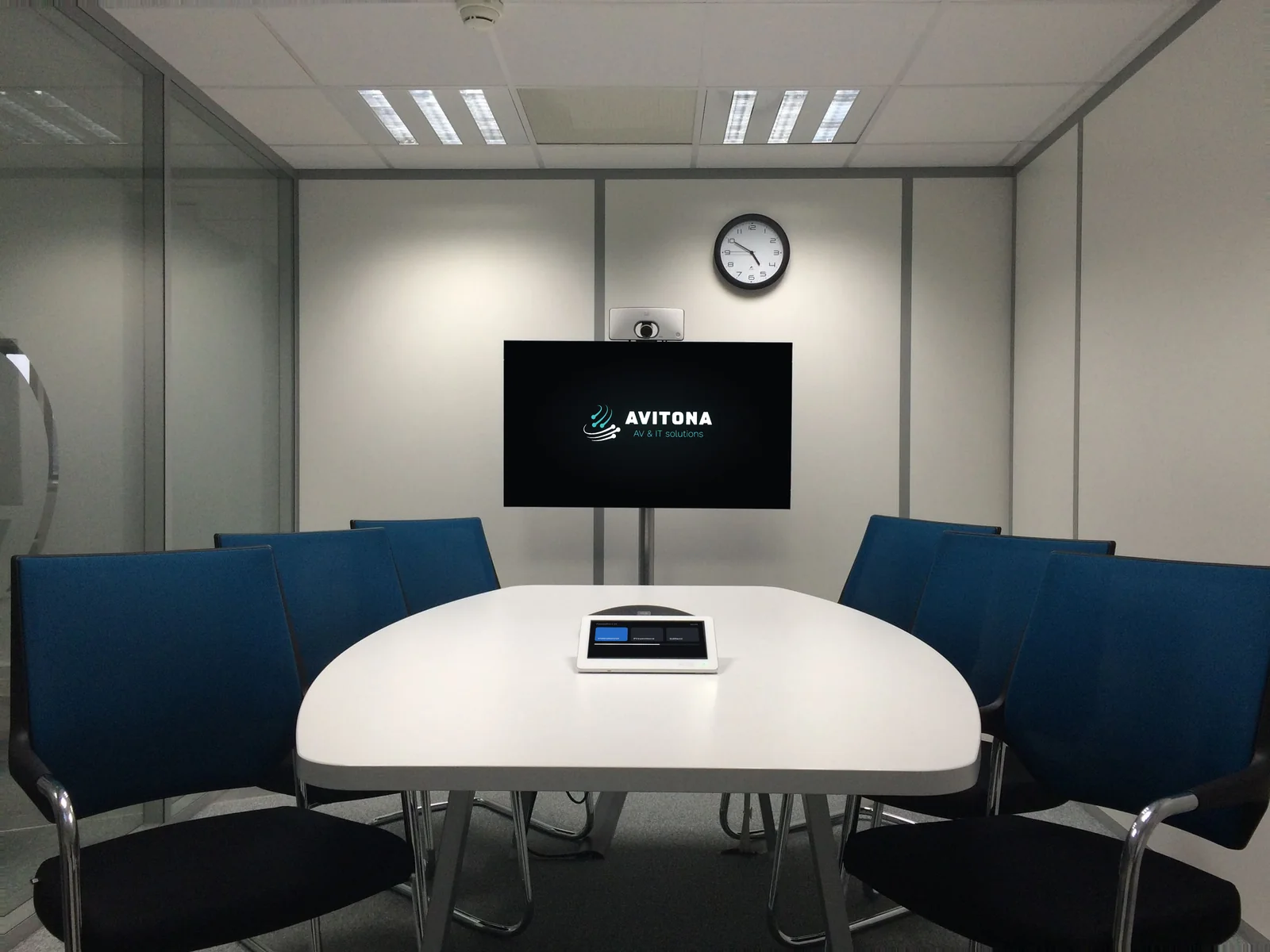
  1. One large-format display or a pair: call participants on one, shared content on the other. We size them by the distance to the furthest seat at the table.

  2. A smart camera recognises who is speaking and frames them automatically. A video bar combines the camera, microphones and speakers in a single unit.

  3. A ceiling microphone array picks up voices from the whole room and suppresses air-conditioning noise and keyboard tapping. No cables cluttering the table.

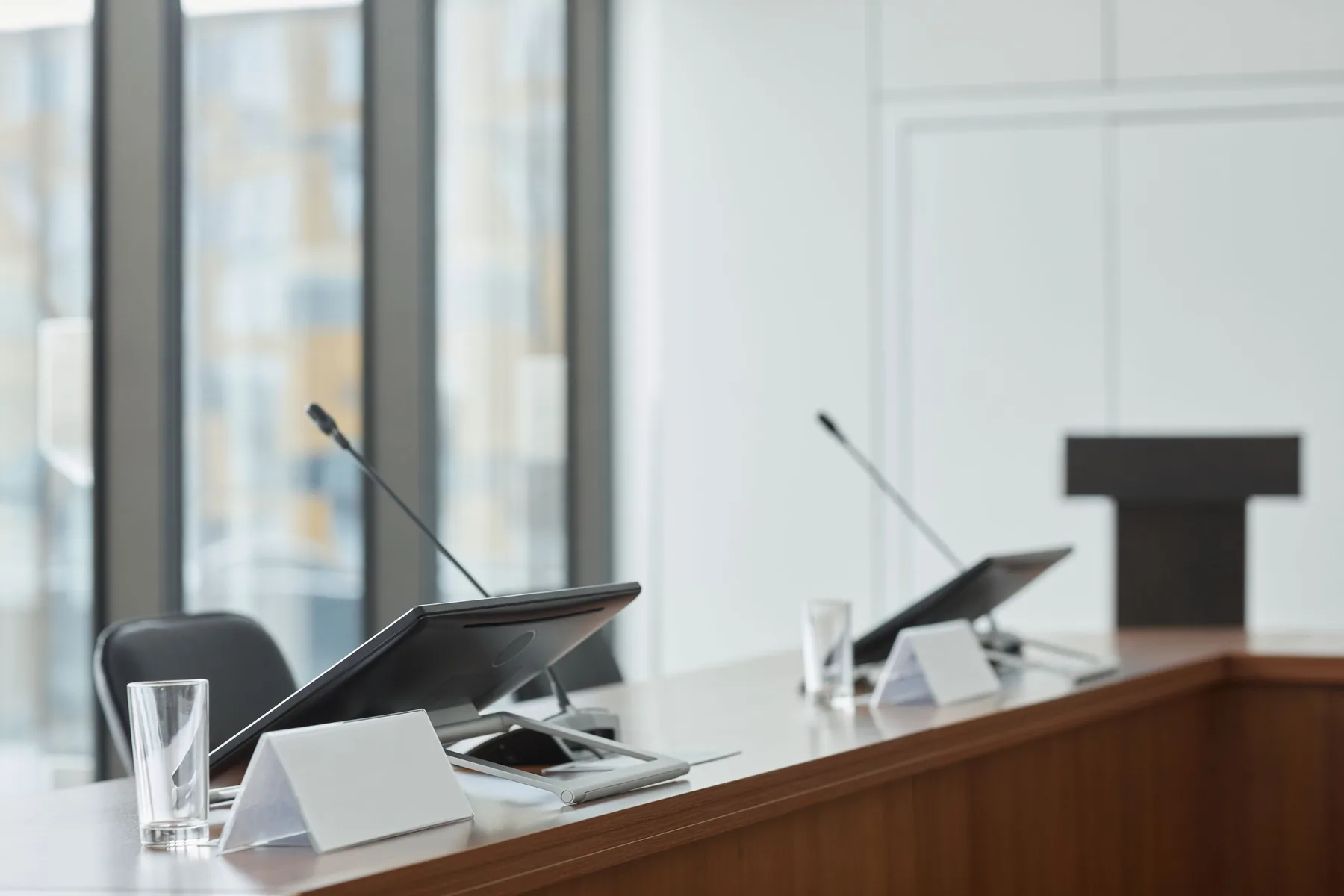
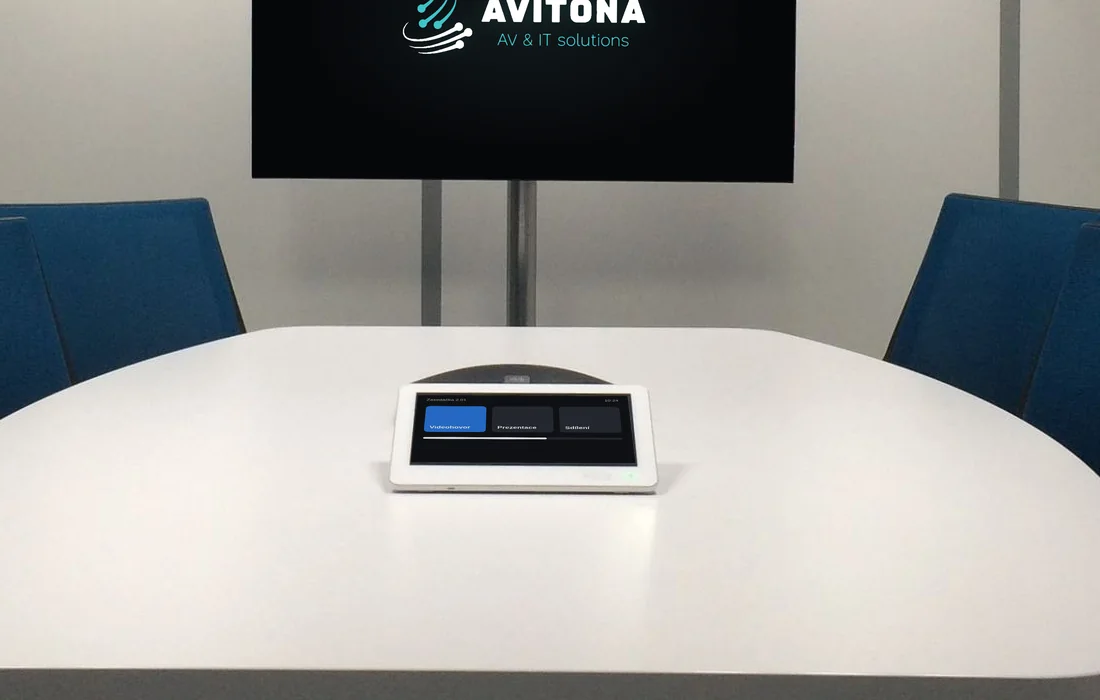
  4. A touch panel on the table: join the meeting, share your screen, mute the microphone. One tap – no hunting for the remote or the right cable.

  5. Even sound coverage and, where needed, acoustic treatment, so voices sound natural – without echo and without raising your voice.

  6. For larger rooms: amplifier, audio processor and signal switcher in one place, out of sight. A smaller meeting room can do without it. By agreement, we monitor it remotely.

The right fit
for every room

We don’t start with a catalogue but with the room and how you use it. Then we design technology that fits its size, acoustics and budget.

  1. Meeting rooms and video conferencing

    Hybrid meetings without “can you hear me?”. A camera that frames whoever is speaking, microphones for the whole table and one-tap joining of Teams or Zoom.

    Microsoft Teams Rooms / Zoom Rooms / Video bars and cameras / Wireless sharing

  2. Smaller halls and training rooms

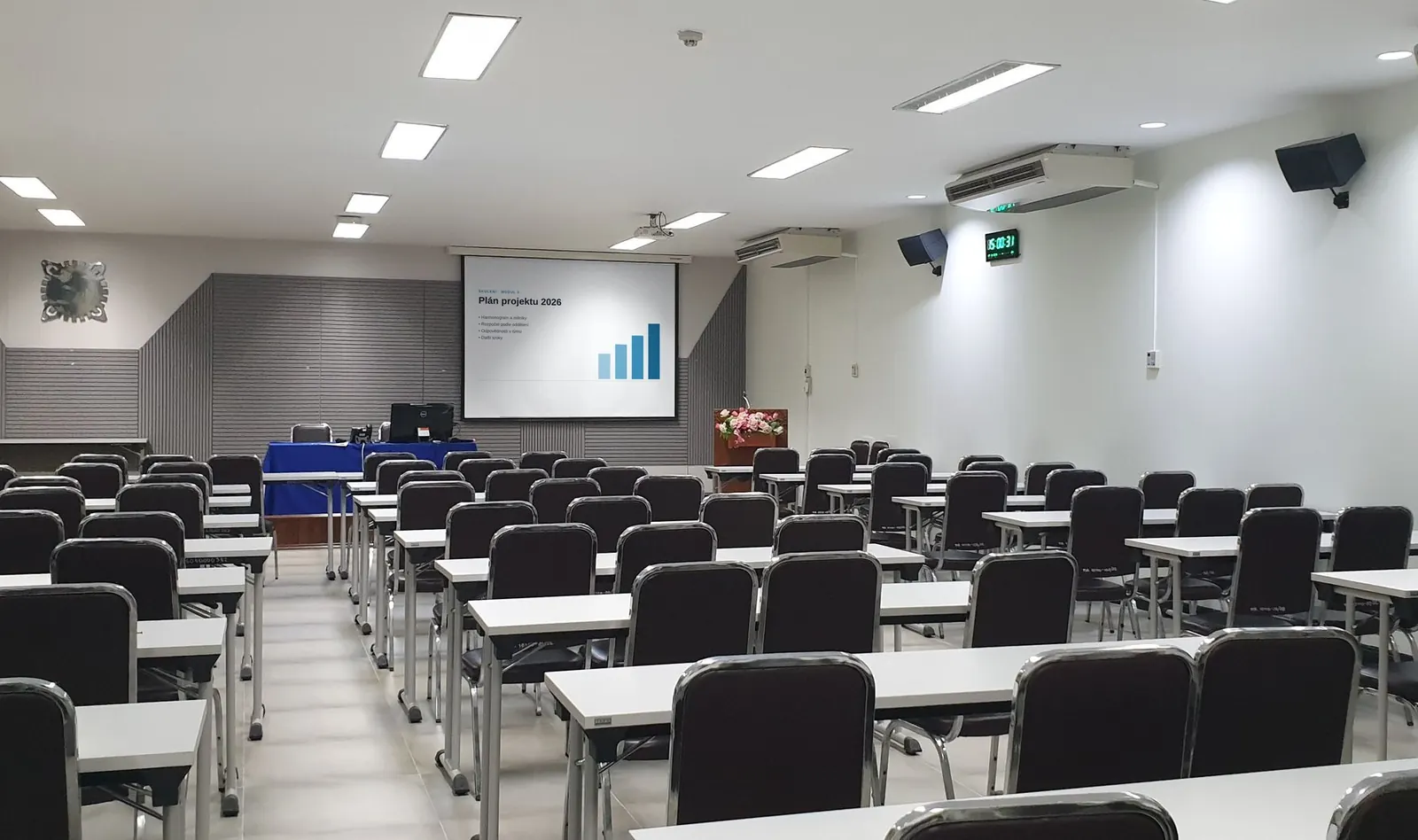
    Projection or large-format displays, sound that reaches the back row, and microphones for the speaker and for questions from the audience. Anyone can run it without a technician standing by.

    Projection and displays / Sound / Lecture recording

  3. Presentation and information displays

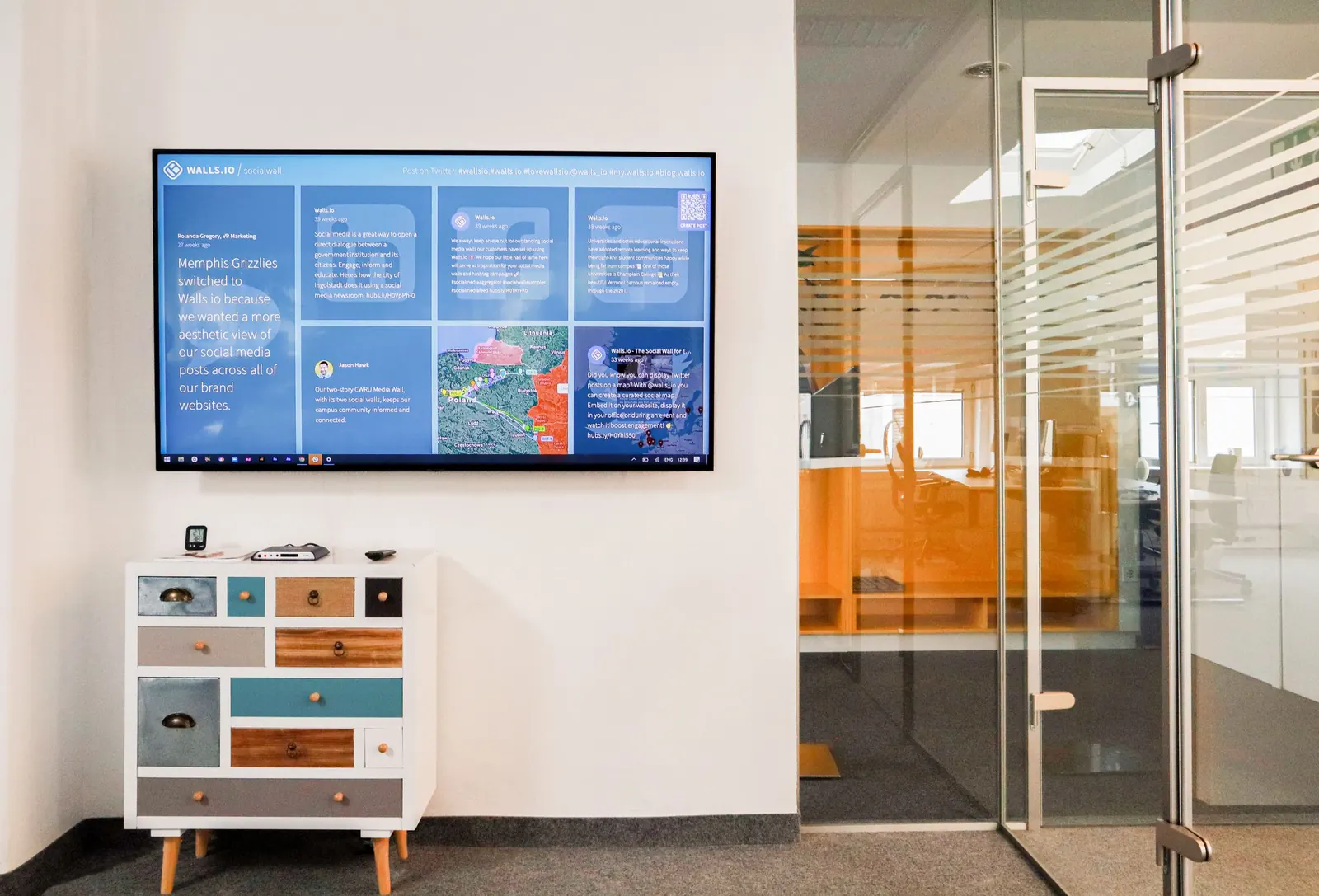
    Large-format LCD displays for presentations in meeting rooms, at reception and in entrance areas. You manage the content remotely from one place.

    LCD displays / Digital signage / Room booking

  4. Sound and microphones

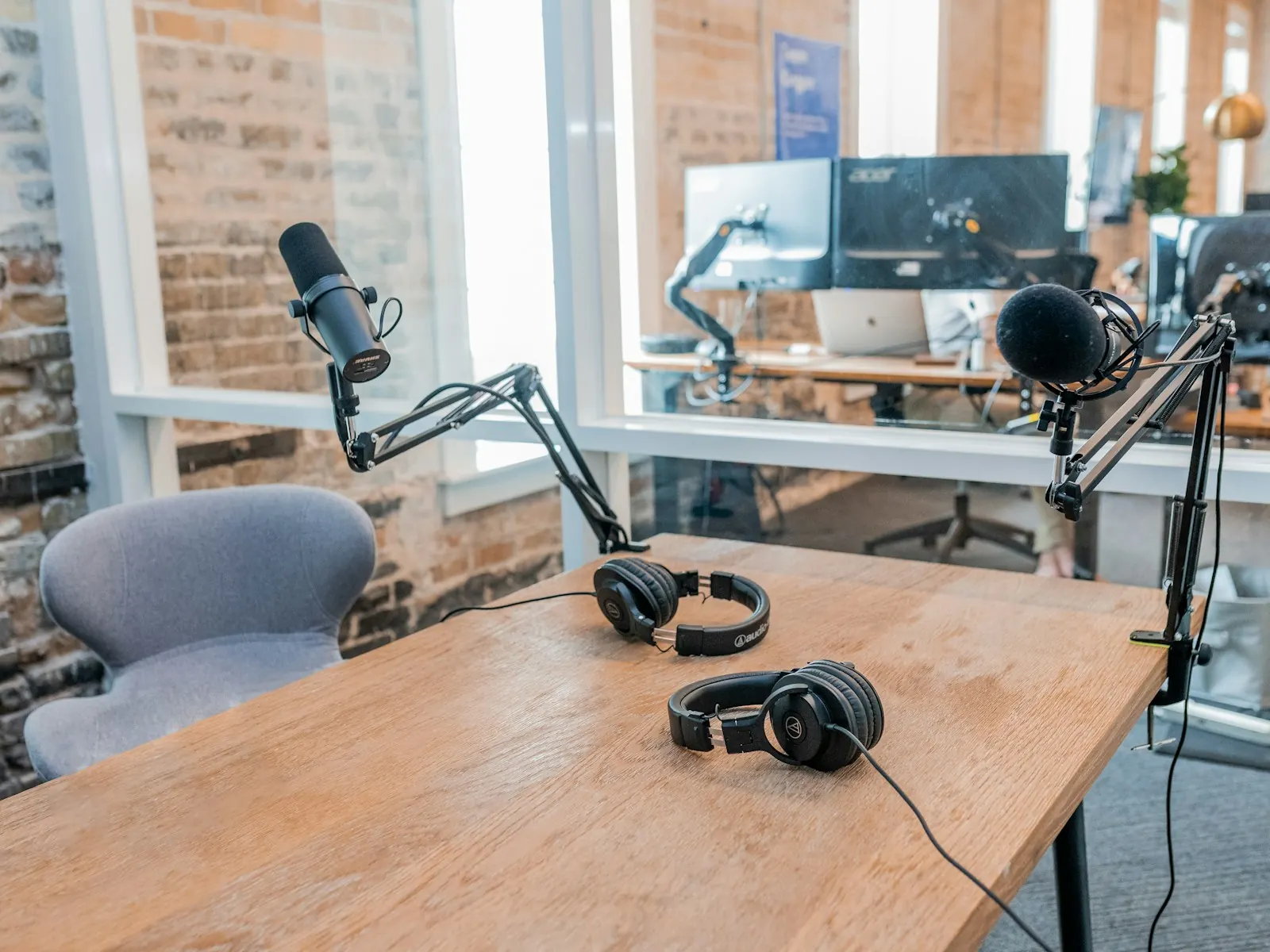
    Speakers and microphones for meeting rooms and smaller halls, so every word is heard in the room and on the far end of the call – without echo and without raising your voice.

    Ceiling microphones / Speakers / Acoustics

  5. Room control

    One touch panel for displays, projection, cameras and sound. A “Presentation” or “Video call” scene sets up the room with a single tap.

    Touch panels / Scenes

From idea to support

  1. Consultation

    We walk through the room on site or from photos and a floor plan, and find out who will use it and for what. The first meeting is free.

  2. Design and quote

    We plan where the displays, cameras and microphones go and send a quote itemising equipment and labour, with a schedule.

  3. Installation and training

    We mount, connect and test everything with a trial call. Then we show your people how to operate the room.

  4. Support and maintenance

    By agreement, we monitor the room remotely and keep it updated. If something doesn’t work, we fix it remotely or come on site.

We don’t just install technology.
We build websites and apps too.

Alongside AV technology, we design and develop websites and smaller web applications. Our own projects show what that looks like in real use.

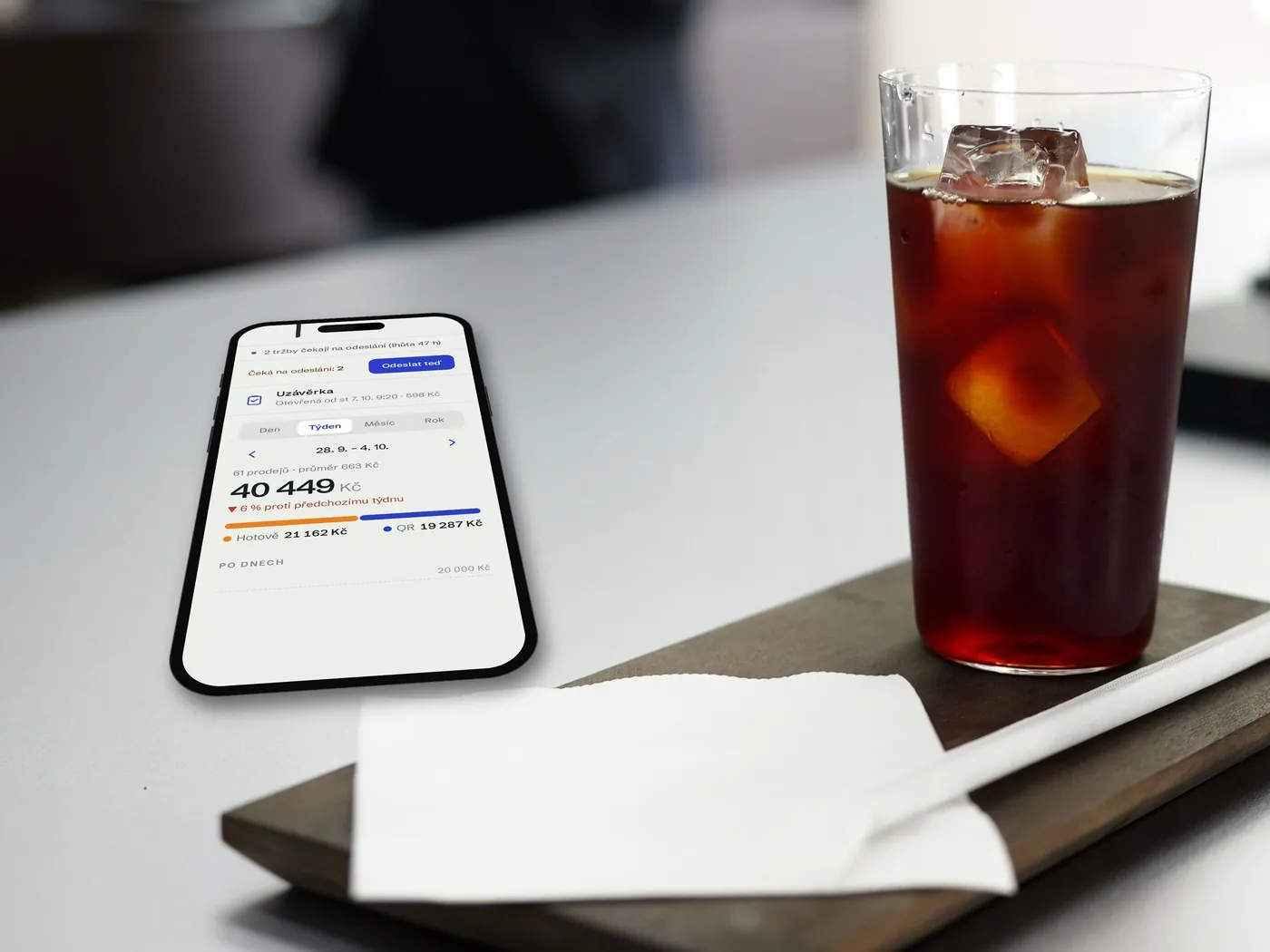
Phone showing the QR rychle sales overview on a café counter

Point of sale on a phone · cafés, stalls, services

QR rychle

A point-of-sale app for small Czech businesses on a phone or tablet. Customers pay by QR code in their banking app or in cash, the sale is registered in the Czech EET 2.0 system automatically and the receipt is simply photographed. No card terminal, no printer, no monthly fees.

  • QR payments straight to the merchant’s account
  • Works offline, data stays on the device
  • Android (Google Play) and web app
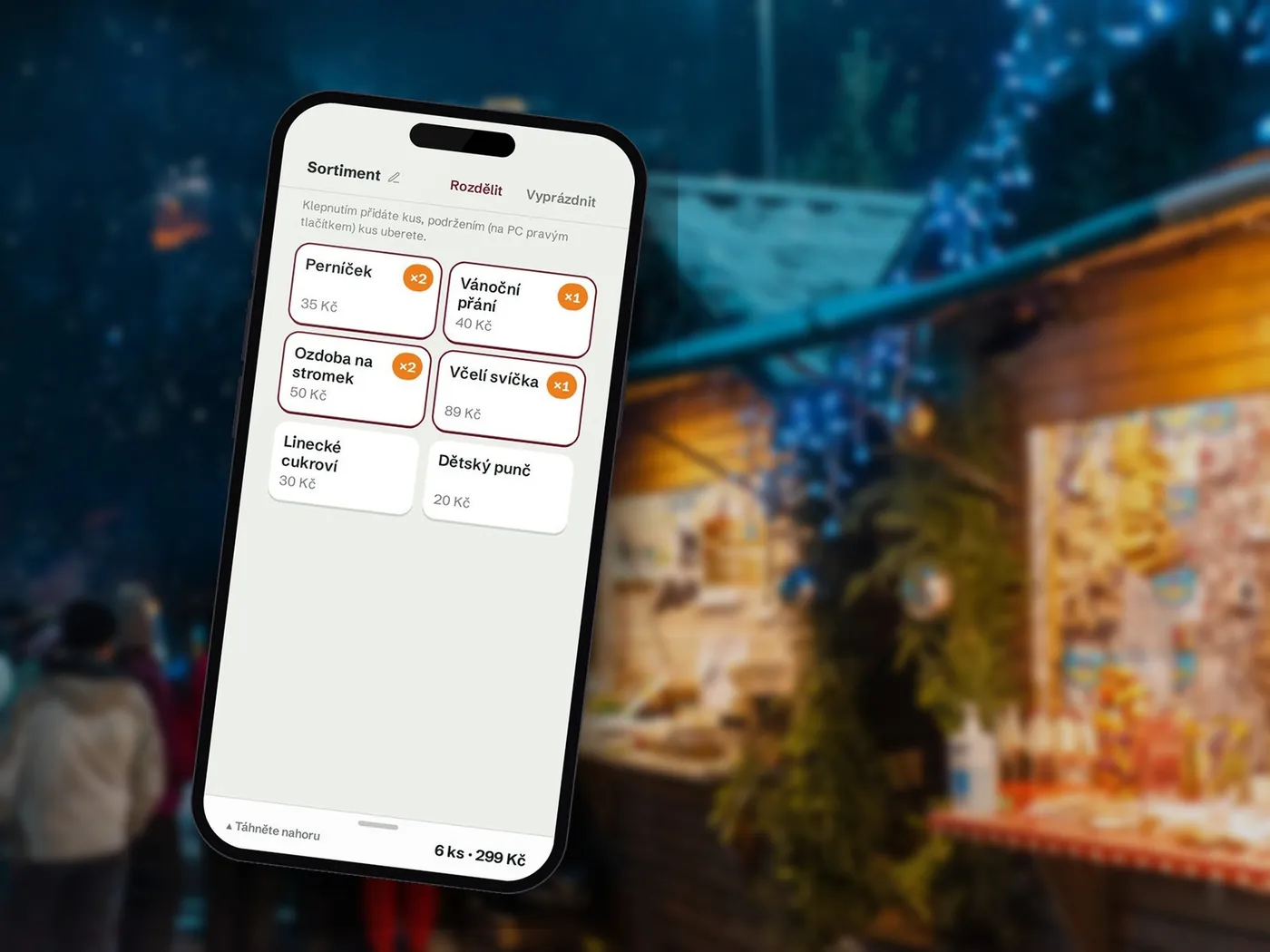
Stall menu in the Christmas Market app on a phone, an evening Christmas market in the background

School fairs · part of QR rychle

Christmas Market for kids

A school version of the point-of-sale app. Children sell their own products like real traders, and payments go straight to the school’s account. The teacher prepares stall sheets with a QR code, the children scan them and start selling.

  • No registration, no installation
  • Printables and guides for teachers and children
  • Practice runs with test sheets
The refdrive.pro platform on a laptop and monitor in an office

Company driver training · companies and driving schools

refdrive.pro

A platform for the mandatory training of company car drivers in the Czech Republic. The company orders codes from a partner driving school, the driver completes the course and test on a phone and immediately receives a certificate that anyone can verify via a QR code.

  • Portals for companies, driving schools and instructors
  • Card payments and automatic deadline tracking
  • AI assistants and tracking of legislative changes
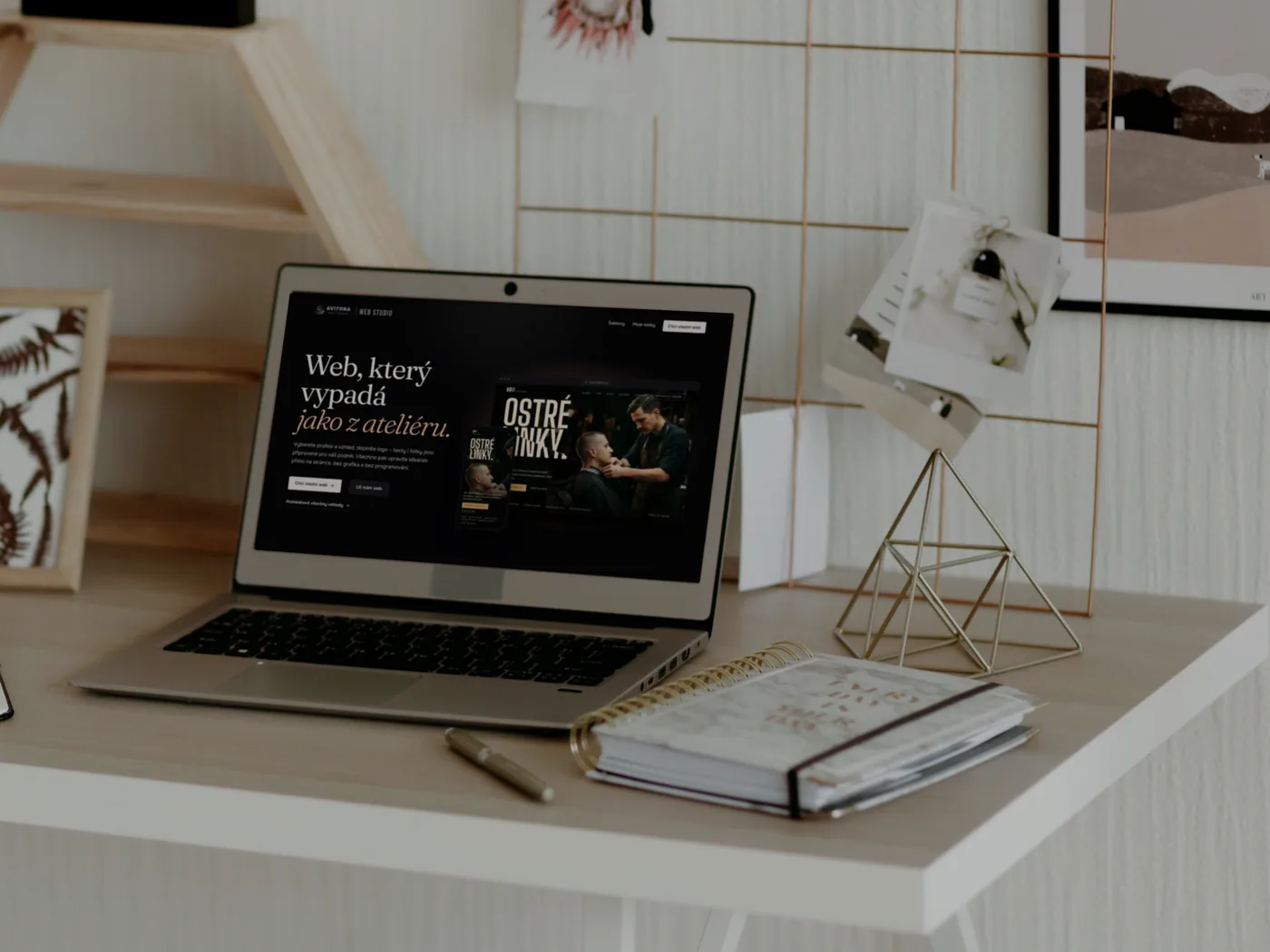
Laptop showing the WEB STUDIO homepage on a desk in a design studio

Websites and online shops for businesses · ready out of the box

WEB STUDIO

A platform where a business builds its own studio-quality website. Pick your trade and a look – the texts and photos are already in place, and everything is edited by clicking right on the page. When you want to sell, add an online shop in the same design.

  • Edit by clicking on the page – no coding
  • Online shop as an add-on – payments, delivery and invoices
  • Runs on the AVITONA platform – we take care of backups and updates

Need a new website or a smaller app that saves you time? We design it, build it and hand it over so that working with it is as simple as possible.

Discuss your project

The whole project
in one pair of hands

AVITONA s.r.o. is a technology company based in Prague. We specialise in installing video conferencing and presentation technology for businesses and the public sector, and we also build websites and smaller apps – so our clients can focus fully on their core business.

We guarantee deadlines, stay on budget and work with precision.
  • Independent choice of equipment

    We are not tied to any one brand. We recommend what makes sense for your room and budget.

  • Technology as one system

    We design cameras, microphones, displays and control together so they work as one. No passing the buck between suppliers.

  • Prices and dates that hold

    You know the schedule and budget up front, and we stick to them. We work with proven manufacturers and deliver solutions that last.

  • Support after handover

    A quick response when needed and, by agreement, regular maintenance and remote monitoring. Our work doesn’t end at handover.

Brands we trust

We work with proven manufacturers whose equipment lasts for years and has reliable service available.

Questions we
often hear

Price, timing, Teams or Zoom, support – short answers to what clients ask most often.

How much does it cost to equip a meeting room?

It depends on the size of the room, the number of seats and what you use it for. A small room for a few people can run on a good video bar with a display; a larger meeting room or training room needs separate cameras, microphones and a control system. After a free consultation you get a quote itemising both equipment and labour.

Will it work with both Microsoft Teams and Zoom?

Yes. Depending on how you work, we design a system certified for Microsoft Teams Rooms or Zoom Rooms, or a universal setup you connect to from your own laptop using any platform.

How long does an installation take?

It depends on the scope, equipment availability and how ready the room is for installation. You get a schedule together with the quote, and we keep to the dates.

Can you build on equipment we already have?

Yes. We first review your existing equipment and suggest what is worth keeping, what to add and what to replace. We never change things just for the sake of it.

What if something breaks after handover?

We solve most issues remotely; otherwise we come on site. Regular maintenance and remote monitoring are available by agreement.

Do you work outside Prague?

Yes. We are based in Prague and install across the whole Czech Republic.

Do you also build websites and apps?

Yes. We build websites and smaller web applications to your brief, mainly to automate work and save time. You can see examples of our own projects above.

Tell us what
needs to work

A room where meetings just work, or an app that saves time. Describe what you need and we’ll design the rest with you.

  1. We get in touch and ask about the details.
  2. Consultation on site or online.
  3. Design and quote itemising equipment and labour.
What do you need?

We use your details only to reply to your enquiry. More in our privacy policy.